Posted by Tom
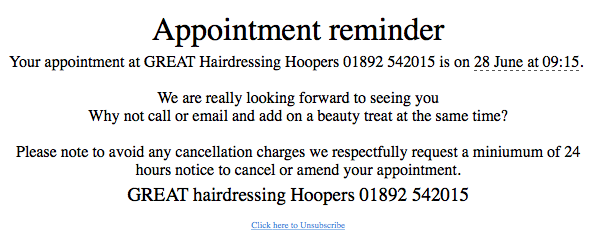
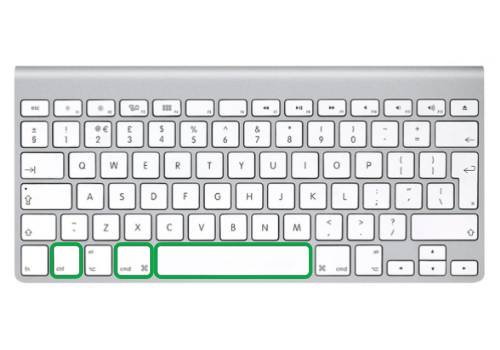
Yay, the day has arrived…you can now add some colour and more fun by including emoji’s within your SMS  Does the cost change when using an emoji? One emoji = 2 characters which is calculated within the balance when typing your text message Where can I use them? They are not just restricted to client SMS but also to your team, please see below a list of the areas you can use them in the system. – Appointment reminders – Client journey – Client retention – Team messages – Stars / KPI’s – 2 Way SMS How can I get an emoji to show on SalonIQ? iOS MAC If using a Mac you need to hold down 3 keys to see all the emoji’s you can use. Press and hold the highlighted keys (below) on your Mac keyboard
  PC You will need to do a couple of clicks to get the emoji’s up on a PC on SalonIQ When you are entering new text on SalonIQ and ready to add emoji’s complete the following steps 1. Right click on the menu bar at the bottom of your screen
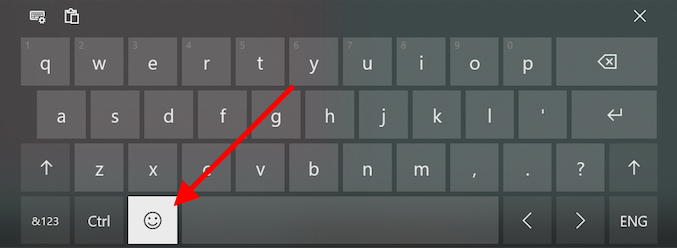
 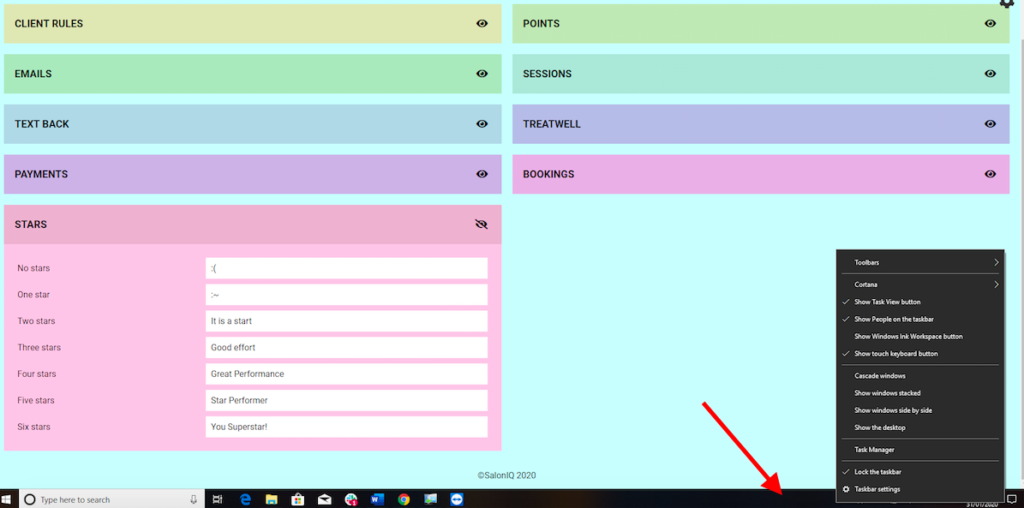 2. Click on Show touch keyboard on the pop up menu 3. Click on the keyboard symbol that you can see on the right hand side of the menu bar
  4. Click on the smiley face for the emoji’s to appear and select the one you wish to use
  iOS iPhone/iPad and Android phones Add an emoji into the field on SalonIQ just like you usually would in WhatsApp Examples of emoji’s you could use in your SMS Hi {MERGEFIELD FirstName}
  We miss you! Call {MERGEFIELD SalonPhone} and book your appointment now. Hi {MERGEFIELD FirstName} We’d love to see you soon, enjoy a complimentary treatment with your Cut & Finish
 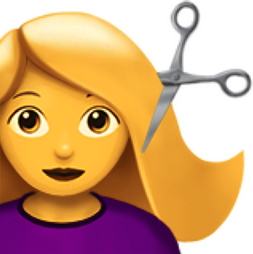 Call {MERGEFIELD SalonPhone} Happy Valentines
  Treat yourself and enjoy a complimentary blow-dry with every Elemis Facial.
  {MERGEFIELD SalonPhone} to book. Hi {MERGEFIELD FirstName}
  We miss you! Call {MERGEFIELD SalonPhone} and book your appointment now
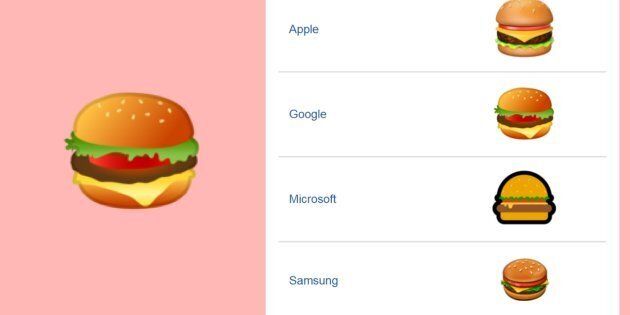
Emoji’s will look slightly different on different devices, this isn’t due to SalonIQ’s design but down to how the emoji’s are created by Apple, Microsoft, Samsung and Google 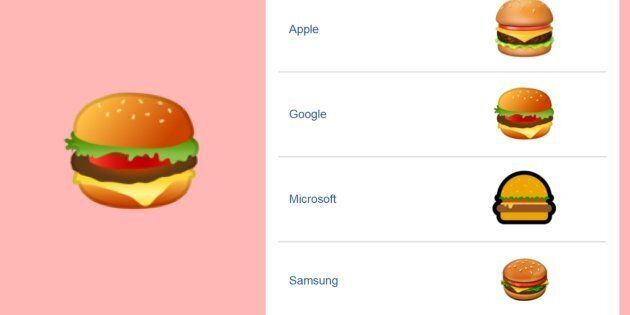
Call a member of our team today on 01892 280 123